Why Choose BYOD for Your Meeting Rooms?

Bring Your Own Device (BYOD) Meeting Rooms 

Seamless hybrid meetings—just plug in and present. 

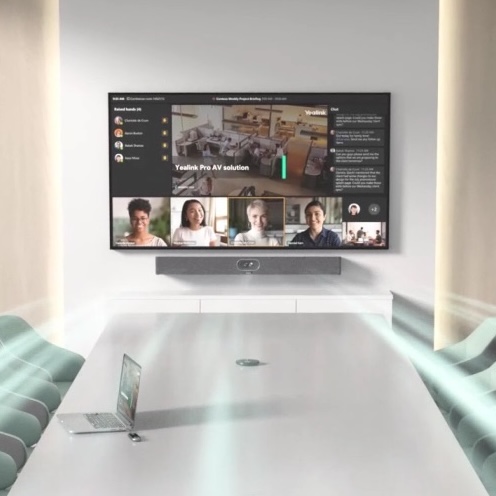
SOSPL’s BYOD solutions let your team use their own laptops to run Zoom, Microsoft Teams, Google Meet, or Webex—while leveraging professional-grade cameras, microphones, and speakers for crystal-clear collaboration.

What a great BYOD room includes 

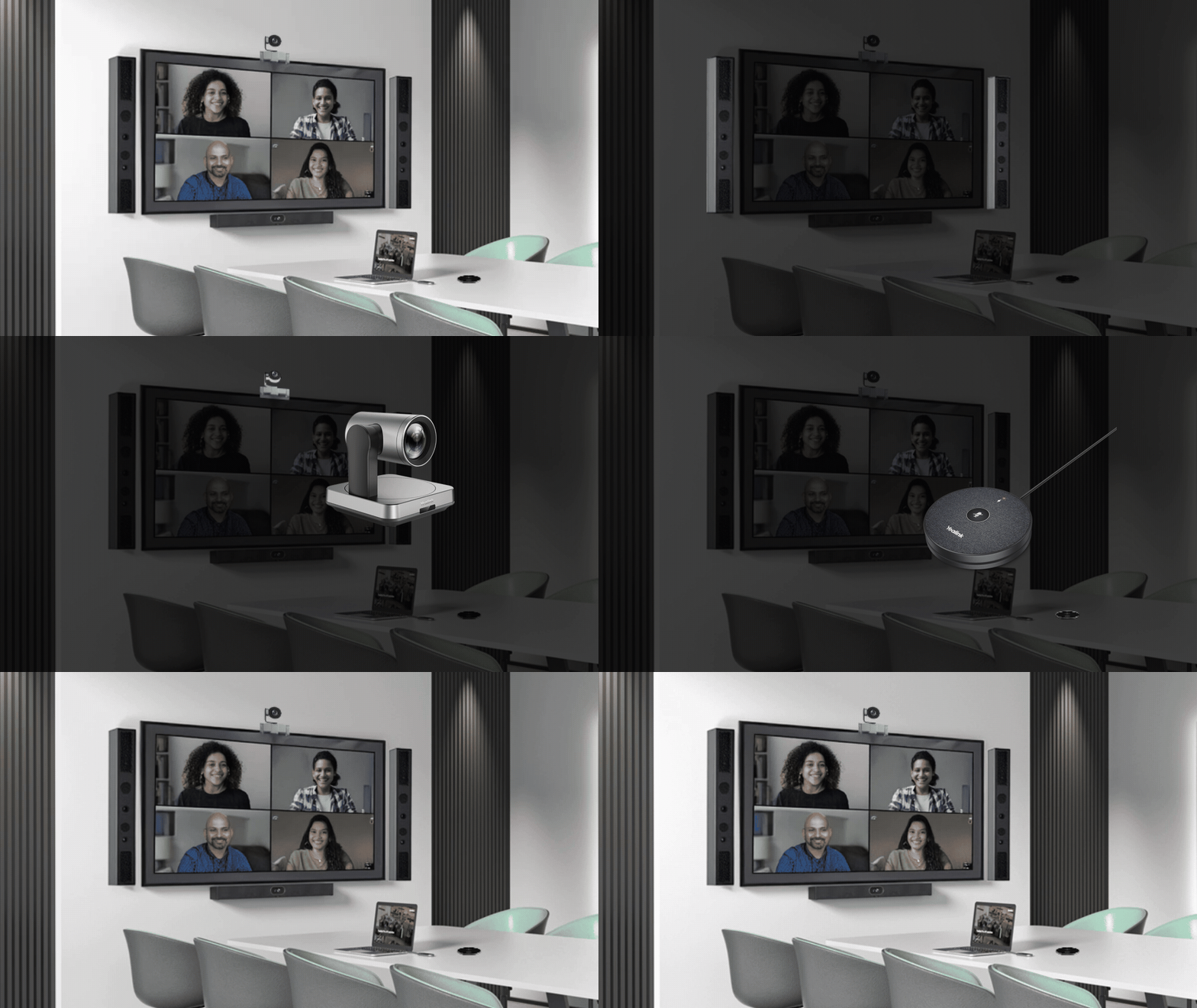
Crystal Clear Connections

Prograde camera, mics and speakers so everyone is seen and heard clearly. 

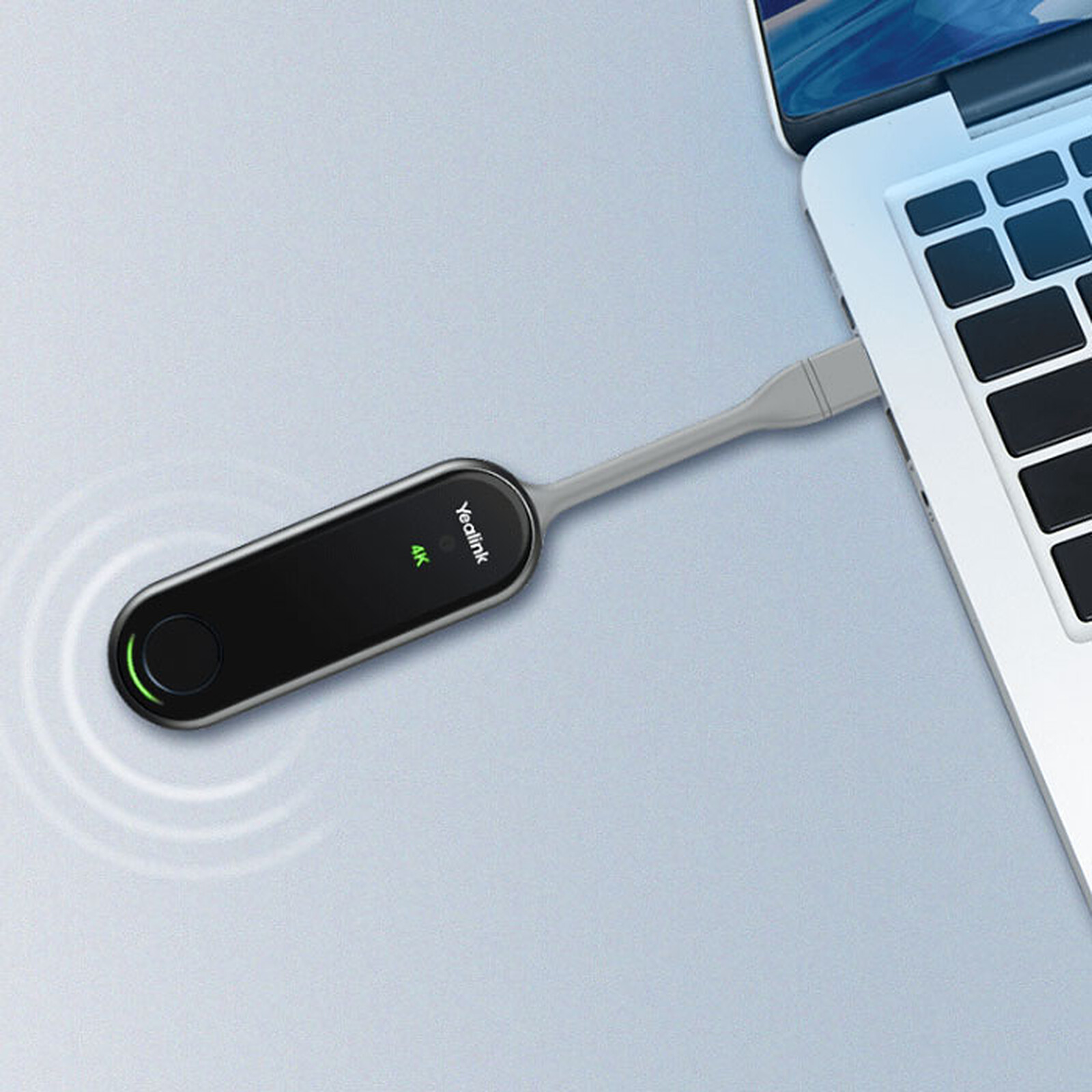
wireless

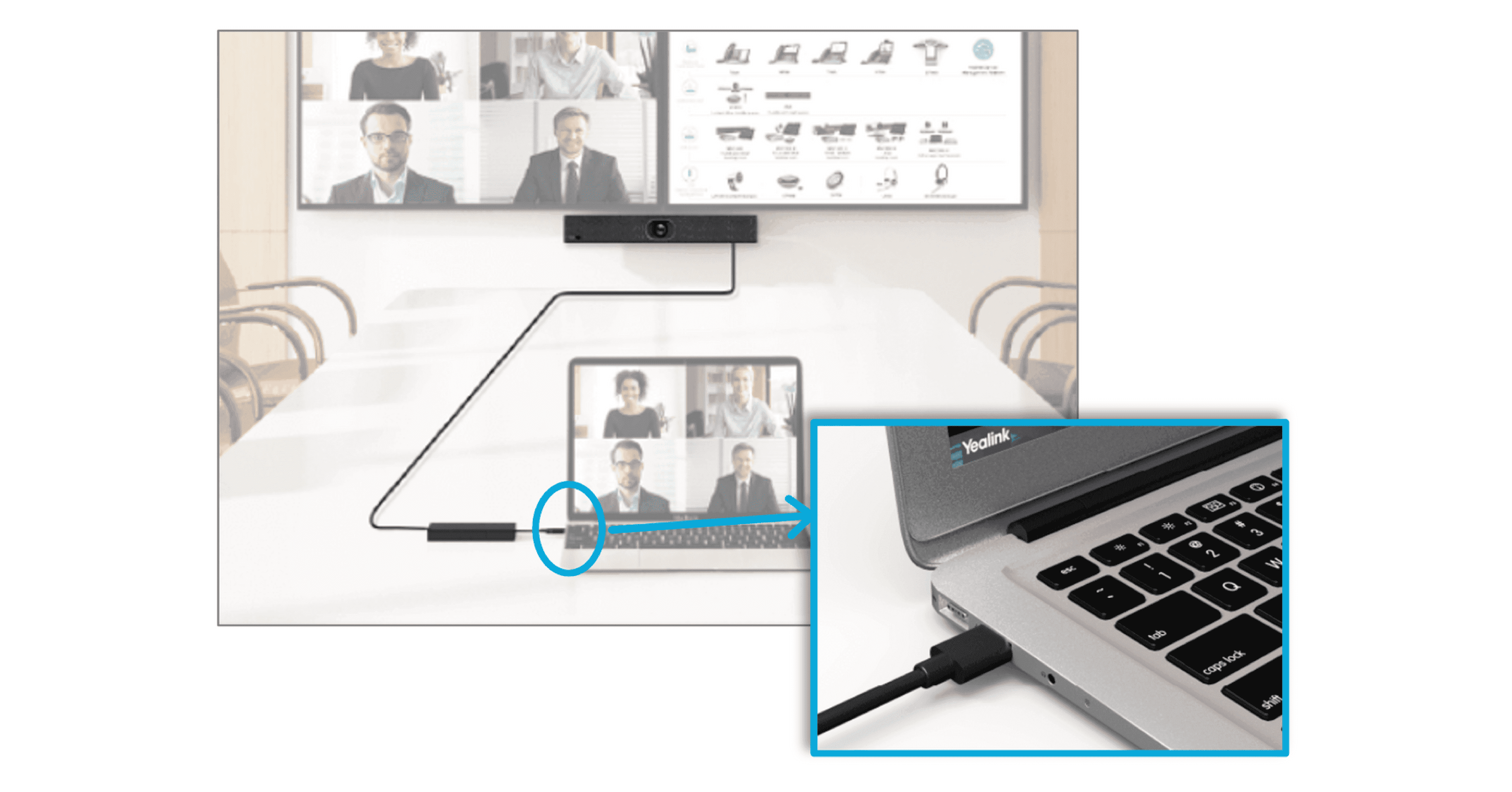
wired

Seamless AV Control

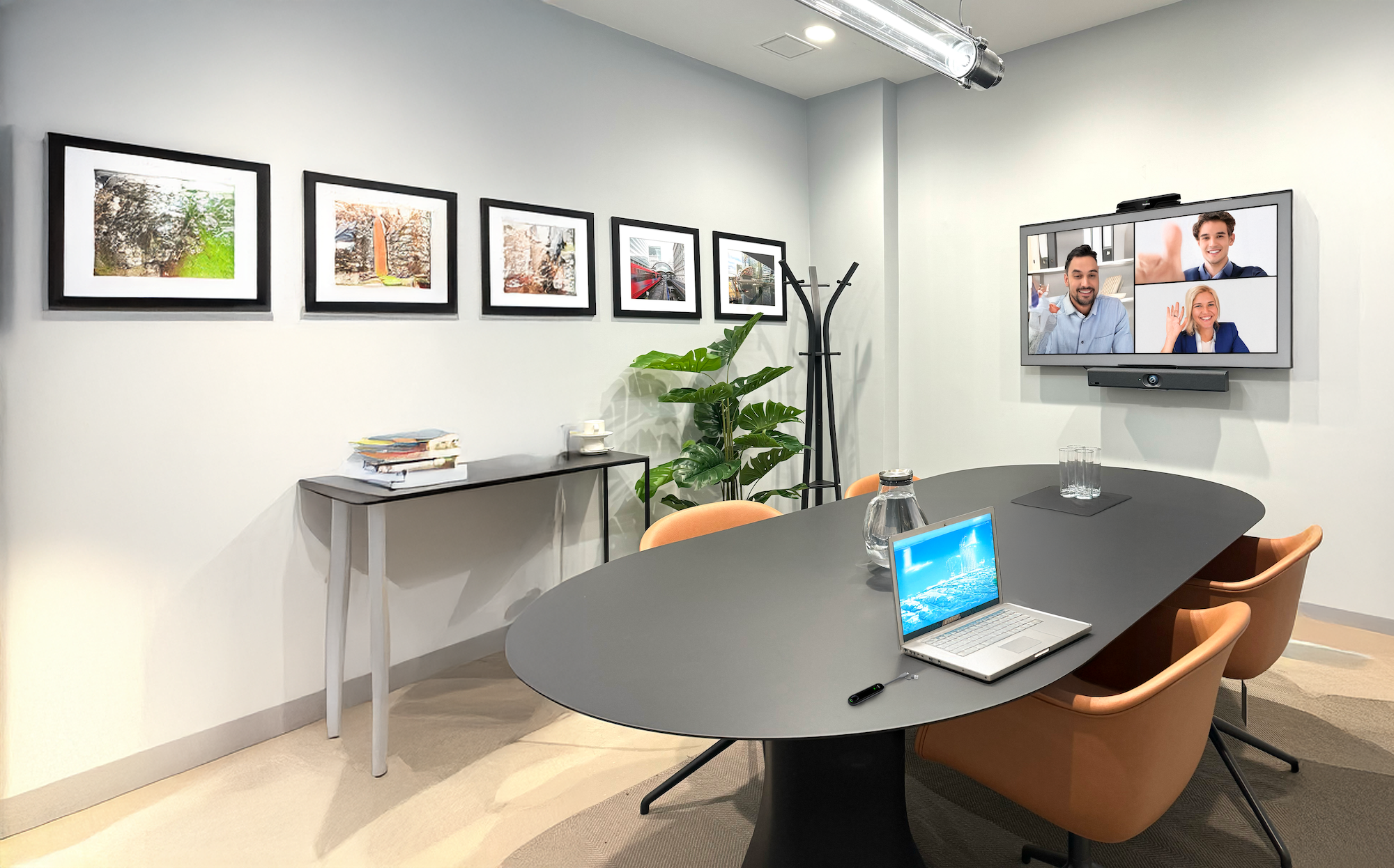
Simple laptop connectivity (single USBC/USBA or wireless) to drive the room AV. 

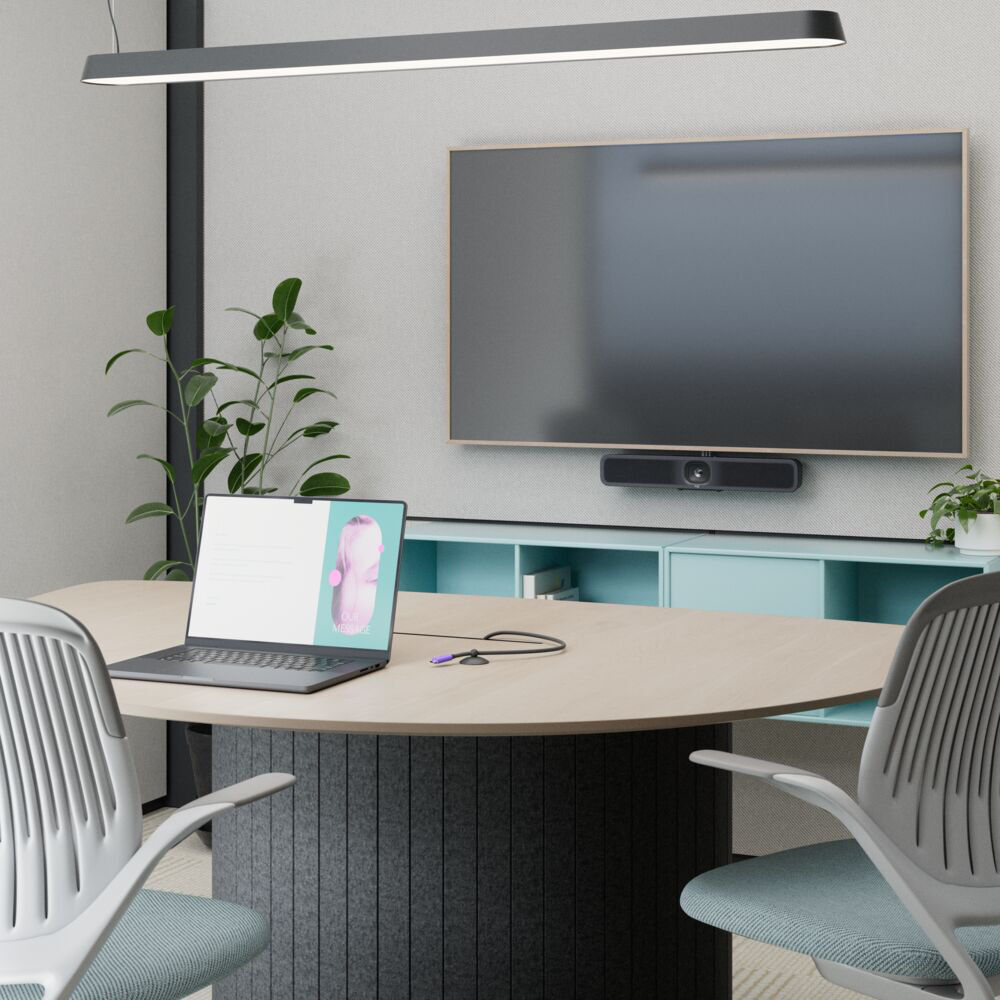
Organized & Optimized

Clean cable management and a tidy frontofroom bar or modular setup.

Ideal spaces

Focus / huddle rooms (2–6 pax)

All-in-one USB bars with single cable laptop hookup.


Reccomended option:

Logitech MeetUp 2 – Ultrawide 120° field of view, 4K optics, and beamforming mics for compact spaces. 


Small/medium rooms (6–12 pax)

BYOD kits with PTZ (pan, tilt, & zoom) camera and table mics.


Reccomended option:

Yealink SmartVision 40 – All in one intelligent video bar with dual cameras, AI framing, and integrated audio for crystal clear meetings. 

Project rooms / hot rooms

Temporary or rotating teams that need platform choice.

SOSPL designs and integrates BYOD rooms end-to-end, from hardware selection to cabling, mounting and user training — validated with leading brands used widely in Singapore. 

Frequently asked questions

BYOD means participants use their own laptops to run the meeting platform while using the room’s AV hardware for better quality.

Choose BYOD if you need maximum platform flexibility and lower upfront costs.

If your organisation standardises on Teams/Zoom and wants one-touch join, see our Platform Room-Based Systems.

For rapid deployment in small rooms with minimal cabling, explore All-in-one Meeting Hubs. 

No. BYOD rooms are platform-agnostic. Just connect and start your meeting.

Yes. Most setups allow dual-stream sharing (camera + content) through your conferencing app.

Keep a backup device in the room or consider hybrid setups that allow both BYOD and native modes.

Security depends on your laptop and network policies. BYOD avoids storing credentials on shared devices.

Yes. The room’s camera and mic capture everyone in the room for remote participants.

BYOD works best in huddle and small/medium rooms. For large rooms, consider platform-based systems.

Extremely easy—just disconnect your laptop and the next user connects theirs.

Single-cable USB-C solutions, cable management kits, and clear on-screen instructions.

Yes. Solutions like Barco ClickShare or Yealink WPP can enable wireless content sharing.

Yes, if the room display setup supports it. Your laptop can extend or duplicate screens for content and participants.

USB-C is recommended for single-cable connectivity, but USB-A with HDMI adapters works too.

Yes, you can add scheduling panels even if the room is BYOD-only.

Many BYOD cameras support auto-framing, speaker tracking and noise suppression—delivering inclusive, “everyone can see and hear” meetings even without a fixed room codec.